
The short answer
Is Xournal++ available online?
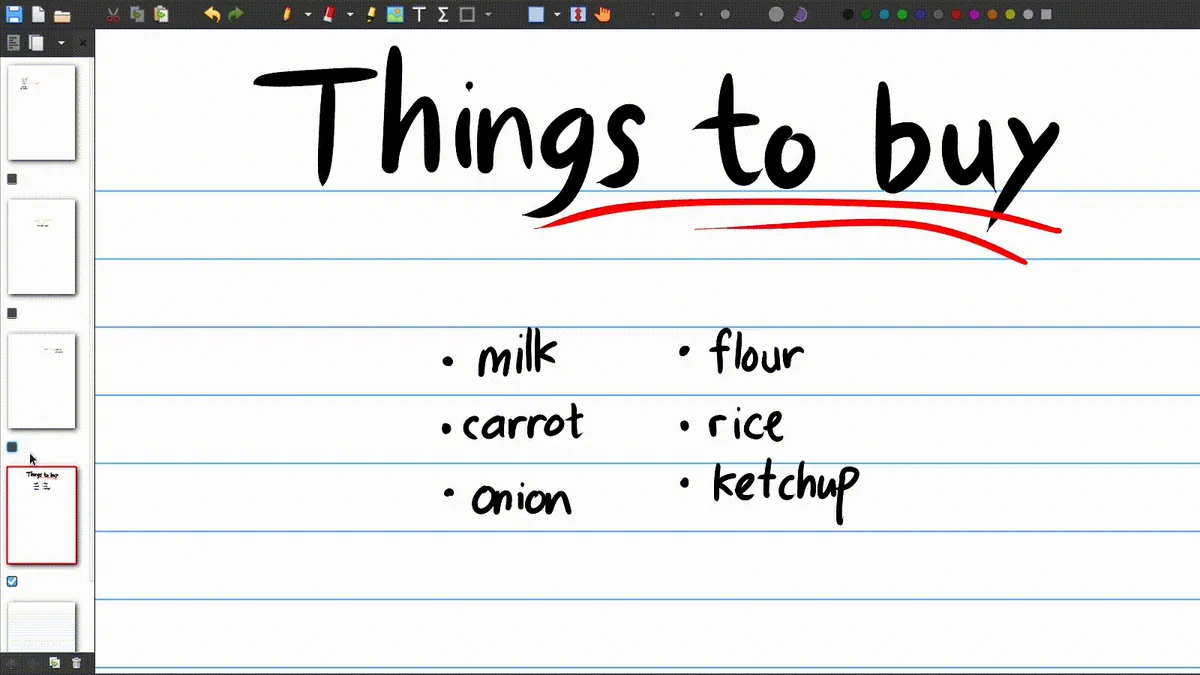
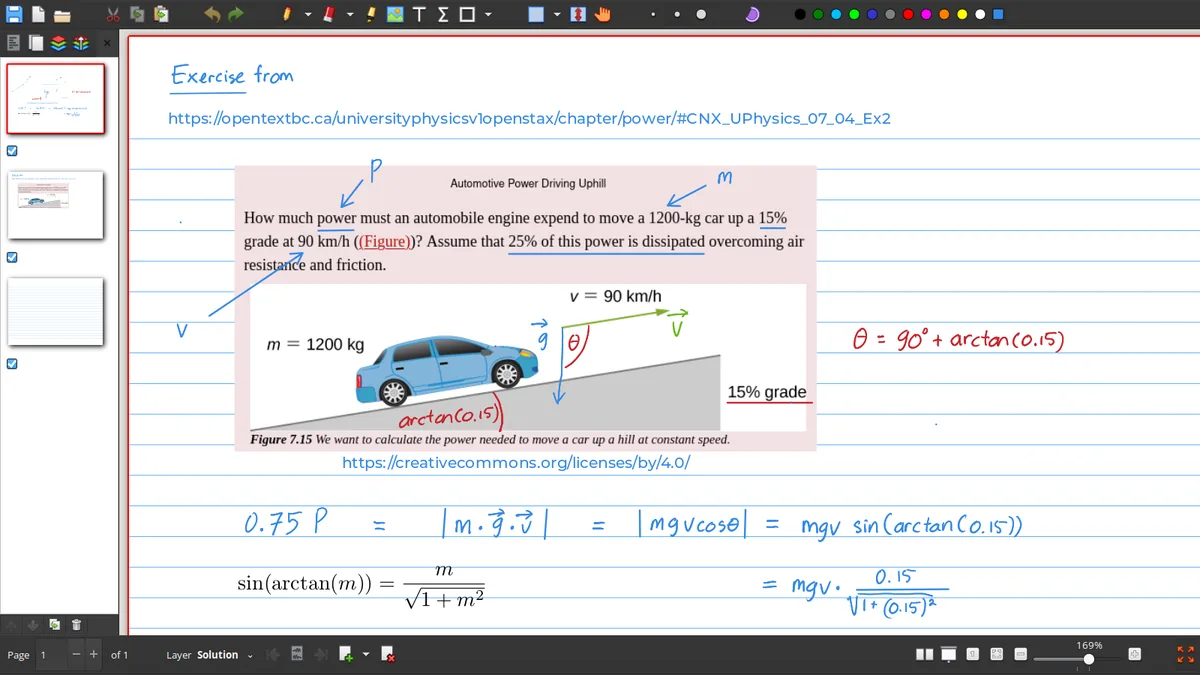
Xournal++ is a desktop application rather than a normal browser-based editor. The official project presents builds for Linux, Windows and macOS, with guides for installation, input devices, PDF annotation and plugins. A website can explain the workflow and link to downloads, but it does not turn the native Xournal++ application into an online editor inside a browser tab.
That distinction matters for privacy, file access and device input. Xournal++ is designed to work with local journals, PDFs, pen displays, tablets and desktop preferences. A browser alternative may be convenient for quick access, but it will have its own storage model, collaboration features and stylus behavior. Do not download an unknown executable that claims to be an official Xournal++ online client.
Platform decision
What can you use on each device?
| Device | Practical choice | Workflow note |
|---|---|---|
| Windows PC | Install Xournal++ | Use the AMD64 or ARM64 build that matches the device. |
| Linux computer | Install Xournal++ | Choose a package, AppImage, Flatpak or distribution path. |
| Mac | Install Xournal++ | Choose Apple Silicon ARM64 or Intel X64. |
| Android phone/tablet | Use a compatible note/PDF app | Export or sync PDF files; do not assume native .xopp editing. |
| iPad | Use a tablet note/PDF app | Keep a desktop Xournal++ copy for the full journal workflow. |
| Browser-only device | Use an alternative web tool | Import an exported PDF if the service supports it and protect the source journal. |
Cross-device workflow
Use Xournal++ with a phone or tablet
Keep the source journal
Store the .xopp file and its PDF background in a stable folder on the desktop or sync drive.
Export a mobile copy
Create a PDF when you need to read or share the notes on a device without Xournal++.
Annotate carefully
Use the mobile app's own annotation format for temporary marks and avoid overwriting the source PDF.
Bring revisions back
If a mobile app exports a new PDF, keep it as a separate version and update the .xopp journal on desktop.
Online viewer questions
What should you do if you only need to read a .xopp file?
A .xopp file is the editable Xournal++ journal, so a generic PDF viewer cannot display it as if it were already a PDF. Open it with Xournal++ on a supported desktop platform, or ask the sender for an exported PDF. If you are building a shared workflow, agree in advance whether the source is the .xopp journal or the exported PDF so that annotations do not get lost.
For a tablet-first workflow, choose an app that can import the exported PDF and supports the pen features you actually need. For a browser-first team, a web whiteboard or collaborative document may be a better category. The comparison page can help you decide without treating every alternative as a drop-in replacement for Xournal++.
Cross-device handoff
What should a shared Xournal++ workflow include?
A reliable handoff has three pieces: the editable .xopp journal, the PDF background it needs and a clearly named exported PDF for people who only need to read or print. Put those files in one project folder, use a revision marker and explain which file is the source. This prevents a tablet user from annotating an old export while the desktop user continues editing a newer journal.
If privacy matters, choose the transfer method deliberately. A local folder, encrypted drive or trusted sync service may be more appropriate than uploading a sensitive notebook to an unknown browser tool. Check whether the mobile app stores imported PDFs in its own cloud and whether export preserves the page size and annotation appearance. Test the round trip with a copy before moving an important course, legal or research document.
Browser limitations
Do not confuse a PDF viewer with an XOPP editor
A browser can display an exported PDF and many online tools can add temporary marks, but that does not mean they understand the full Xournal++ journal model. Layers, page templates, LaTeX objects, device preferences and native autosave behavior may not survive an import. If a workflow begins on desktop and ends on mobile, choose the PDF as the handoff format and keep the .xopp source protected on the supported desktop system.
Platform availability
Set realistic expectations for Xournal++ online use
Xournal++ online searches often mix several different needs: a browser viewer, a web PDF editor, an Android handwriting app, an iPad note tool and the desktop Xournal++ application. These are not interchangeable. The native Xournal++ workflow is designed around desktop installation, editable .xopp notebooks and PDF backgrounds. A browser or mobile app may open an exported PDF, but that does not prove that it can preserve every layer, plugin, page setting or file relationship from a native journal.
If you need Xournal++ online access, first decide whether you need editing, viewing or file conversion. For viewing, export a PDF and use a trusted browser or PDF reader. For editing on a tablet, use a compatible app and keep the original .xopp file on a supported desktop installation. Avoid pages that repackage an installer, promise a hidden browser executable or request unrelated extensions. This Xournal++ online guide keeps the official desktop download separate from practical cross-device alternatives. Write down whether the online option must edit, view or convert files before testing it.
A careful Xournal++ online workflow also needs a handoff rule. Keep the editable .xopp source on the desktop, label any mobile PDF as an exported copy and test one page before syncing a full notebook. This keeps online viewing convenient without confusing a temporary annotation with the source journal.
Frequently asked questions
Xournal++ Frequently asked questions
Can I use Xournal++ in a browser?
The official Xournal++ application is desktop software for Linux, Windows and macOS. Use a separate web tool if you need browser-only editing, and keep the original .xopp workflow separate.
Is there an official Xournal++ Android app?
Plan around the official desktop platforms. On Android, use a compatible PDF or note application for exported files rather than assuming that every .xopp feature is available natively.
Can I use Xournal++ on an iPad?
The main Xournal++ workflow is desktop-based. An iPad can read or annotate an exported PDF with another app, while the editable journal remains on a supported desktop installation.
How do I view a .xopp file without Xournal++?
Ask for a PDF export or install Xournal++ on Linux, Windows or macOS. A normal PDF viewer does not directly replace the native journal application.