
Windows
Windows 10 or later
Independent download and help guide
Download Xournal++, a free desktop app for handwritten notes, PDF annotation and stylus-friendly study workflows. Choose the current release, then use the practical guides below to set up pages, pens, shortcuts and .xopp files.
Choose your platform
The Xournal++ download area starts with the Windows installer because it is the fastest route for most visitors. Linux and macOS users can choose a package that matches their system, while the official release page remains the best place to compare every architecture and build.
Windows 10 or later
Ubuntu, Debian and other supported distributions
macOS 10.15 or later
The version and file details above are based on the official Xournal++ 1.3.7 release checked on August 14, 2026. Xournal Wiki is independent and does not repackage the software.
Why people use it
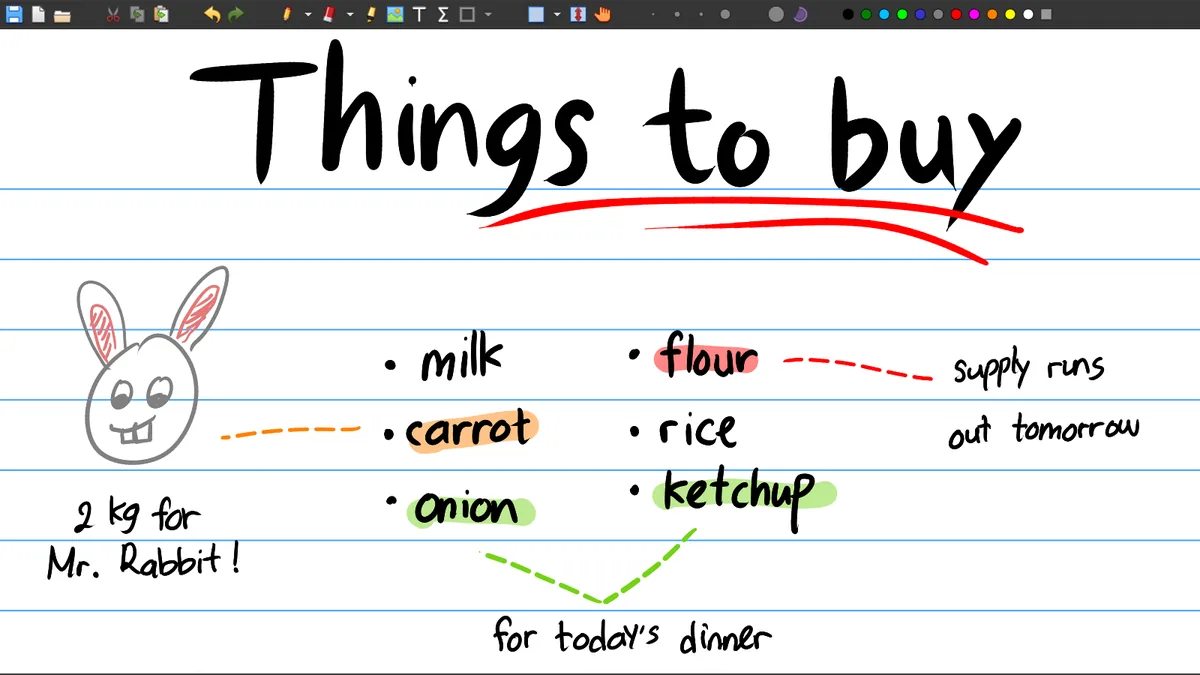
Xournal++ is useful when a normal PDF reader is too limited and a full drawing suite is too much. It keeps writing, highlighting, page organization and export close together, which is why many searches are about small workflow details rather than the app name alone.
Use a graphics tablet or pen display for handwritten notes, diagrams and annotations. Our stylus guide covers pressure, smoothing, mouse conflicts and practical input checks.
Fix pen and mouse issues →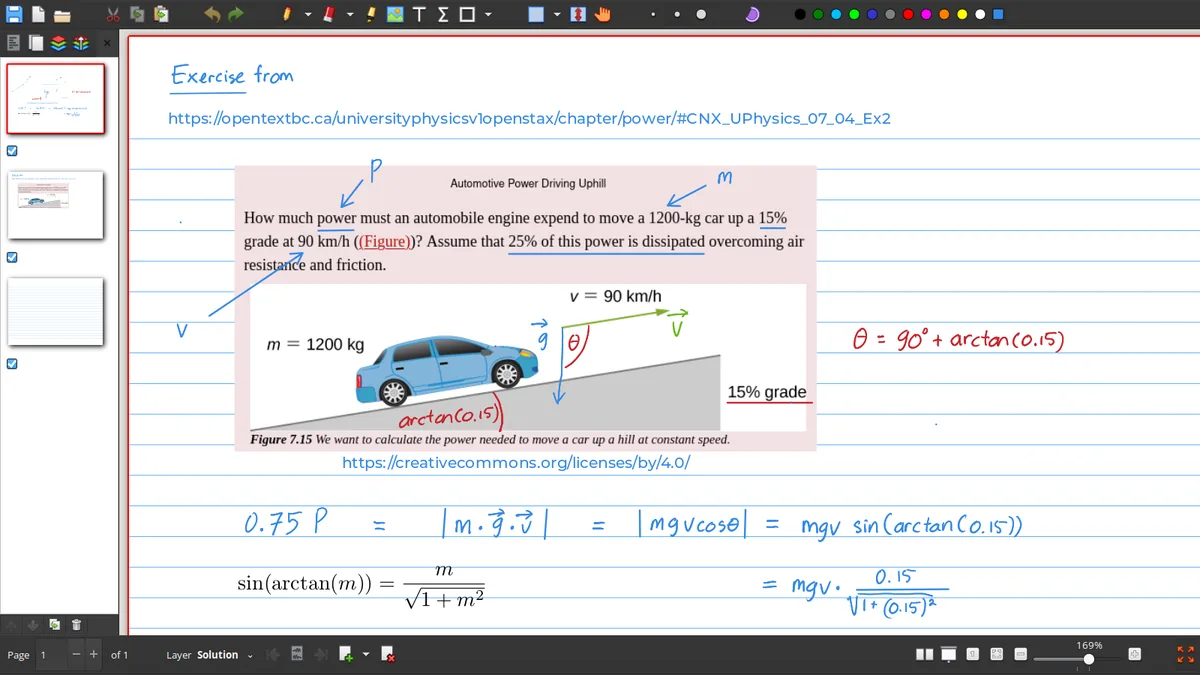
Import lecture slides, worksheets or forms, then add handwriting, text, shapes and highlights. Export a finished document when the notes are ready to share.
Learn PDF annotation →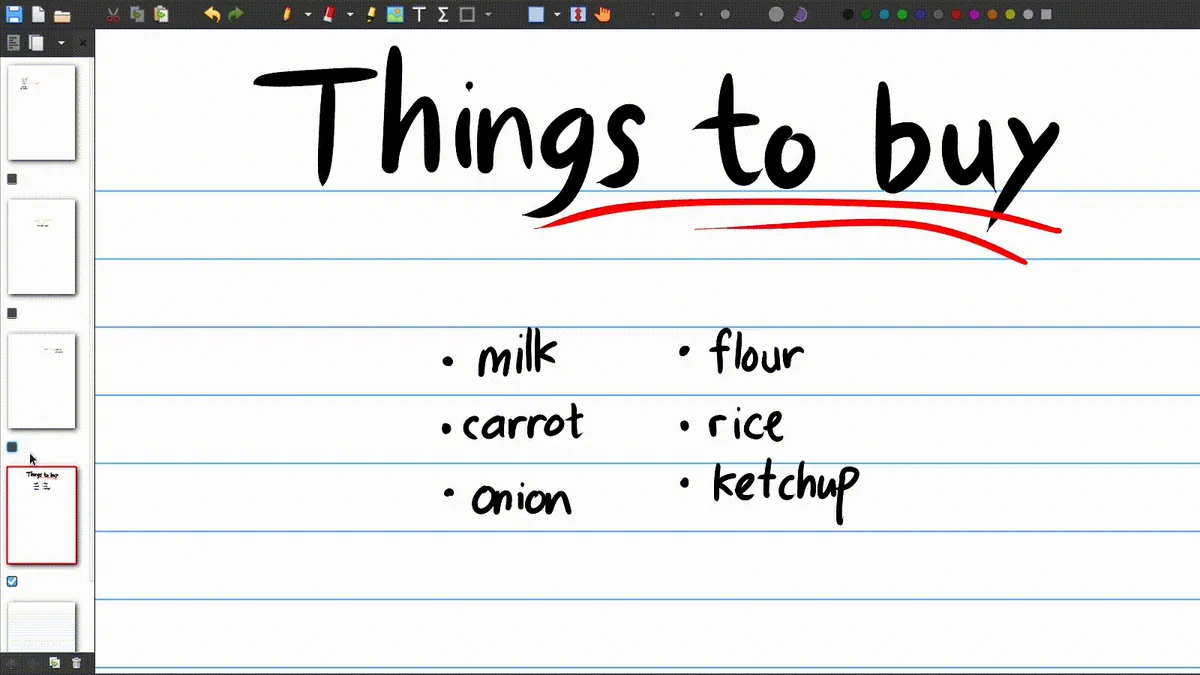
Page backgrounds, layers, zoom controls and page navigation help keep a long notebook usable. Start with the page settings guide when the canvas feels wrong.
Change page settings →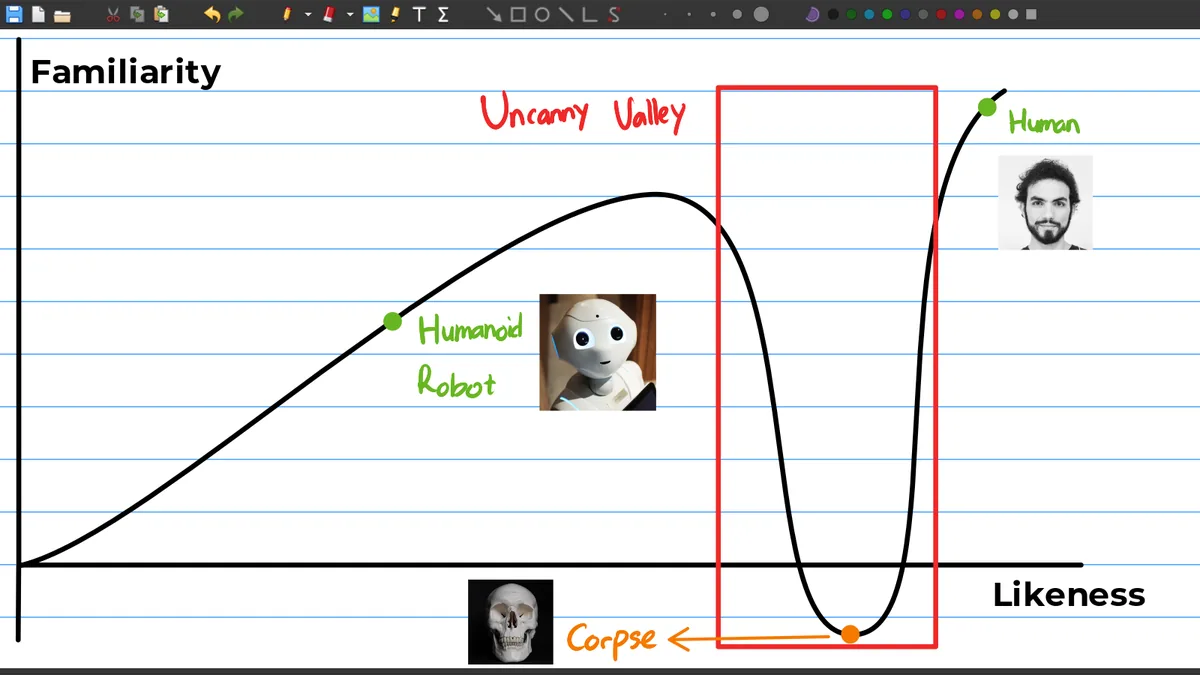
Use lines, arrows, rectangles and other shape tools when handwriting alone is not precise enough. The result is useful for math, science and planning notes.
See PDF tools →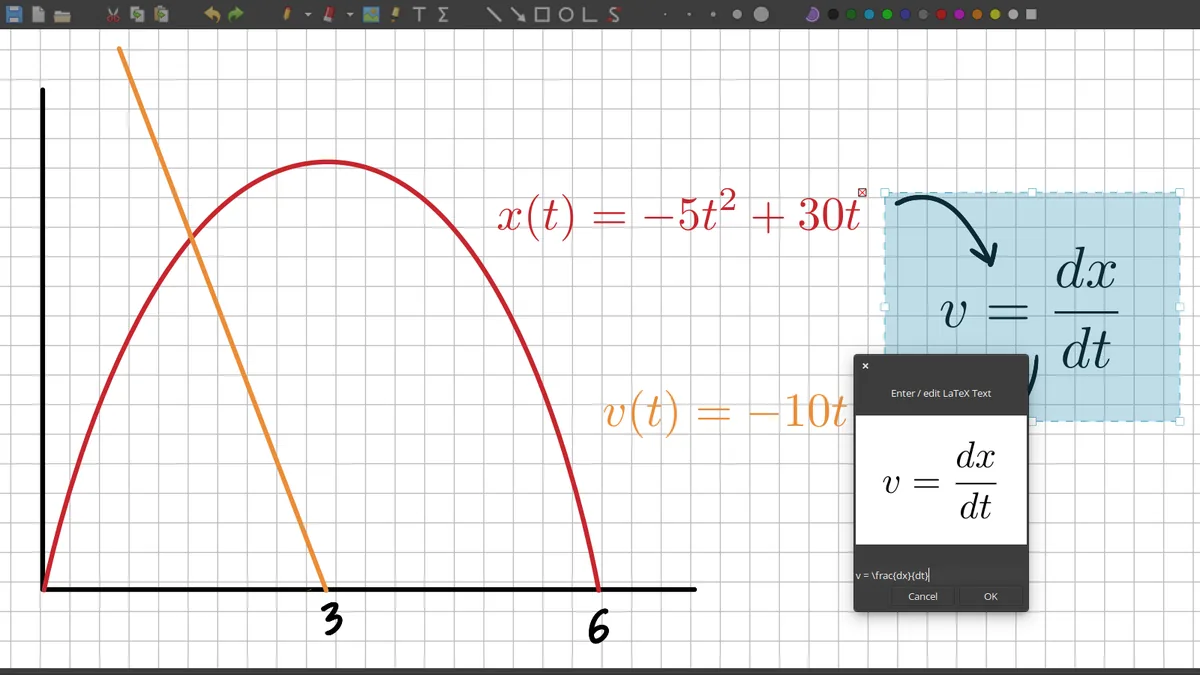
Advanced users can add mathematical notation and extend the workflow with plugins. The guide explains what needs to be installed and where templates usually live.
Read the LaTeX guide →
Xournal++ stores its editable notebook format as .xopp. Learn how to keep the background PDF available, convert a notebook to PDF and avoid broken file paths.
Understand .xopp files →Avoid the common mix-up
The names are related, but they are not the same download. The original Xournal is an older project; Xournal++ is the modern choice for most new Windows, Linux and macOS installations.
| Question | Original Xournal | Xournal++ |
|---|---|---|
| Best for | Legacy workflows and old files | New handwritten notes and PDF annotation |
| Current release path | Older SourceForge project | Active GitHub release channel |
| Platform choices | More limited and older packages | Windows, Linux and macOS packages |
| Advanced features | Basic notebook and PDF workflow | Stylus input, layers, plugins, LaTeX and audio |
| Recommended starting point | Only when a legacy file requires it | Yes, for most new users |
Start in a few minutes
A clean installation is easier when you identify your operating system first and keep the editable notebook files separate from exported PDFs. These steps work as a quick orientation before you open a longer platform guide.
Select Windows, Linux or macOS and pick the installer or package for your CPU architecture.
Run the installer, open the package with your system tool, or unpack the portable build into a folder you control.
Create a notebook from an existing PDF or start with a blank page template such as lined or grid paper.
Keep the .xopp file for editing and export a PDF when you need a shareable copy of your notes.
Popular questions
The most useful help pages answer a specific task. Start with the page that matches what you are trying to do, then return to the download page when you need a different platform or build.
About this website
Xournal Wiki organizes official download sources and task-focused explanations for people who search for a small answer: where the Windows installer is, how to change the page to grid paper, why a mouse behaves strangely, or how to turn a .xopp notebook into a PDF.
We keep the product identity clear, link to the Xournal++ project for release facts, and avoid presenting this site as an official maintainer page. When a feature depends on a specific operating system or version, the page should say so instead of promising a universal result.
A useful Xournal++ download is only the first step. After installation, most people need to choose a page background, open a PDF, configure a pen, save an editable notebook and export a copy for sharing. The guide links on this page follow that sequence, so a visitor can move from the correct desktop build to the exact workflow question without searching through unrelated software pages. The Windows, Linux and macOS guides explain package choices, while the PDF, page settings, stylus and XOPP guides explain what to do inside the application. If a result depends on a driver, a TeX distribution, a PDF viewer or a desktop permission, the relevant guide names that dependency. This keeps the Xournal++ download information practical and makes the site useful after the installer has finished.
About Us →Quick answers
Yes. Xournal++ is free and open-source software. This site links to official project releases and installation sources rather than repackaging the application.
The download data on this page was checked against the official release channel on August 14, 2026 and lists Xournal++ 1.3.7. Version details can change, so check the release date and source before installing.
The current Windows download is intended for modern Windows desktop systems, including Windows 11. Choose the installer that matches your CPU architecture and use the Windows guide for portable or package-manager options.
Yes. You can write, highlight, add text and draw shapes over PDF pages, then export a shareable PDF. Keep the .xopp notebook if you want to continue editing later.
Xournal++ is primarily a desktop application. Do not confuse the desktop download with an official browser-based online viewer; use the online and mobile guide for current platform notes.
A .xopp file is Xournal++'s editable notebook format. It can contain your handwriting and page structure, while a PDF export is better for sharing or printing.