
Match the job to the app
When is Xournal++ a good choice?
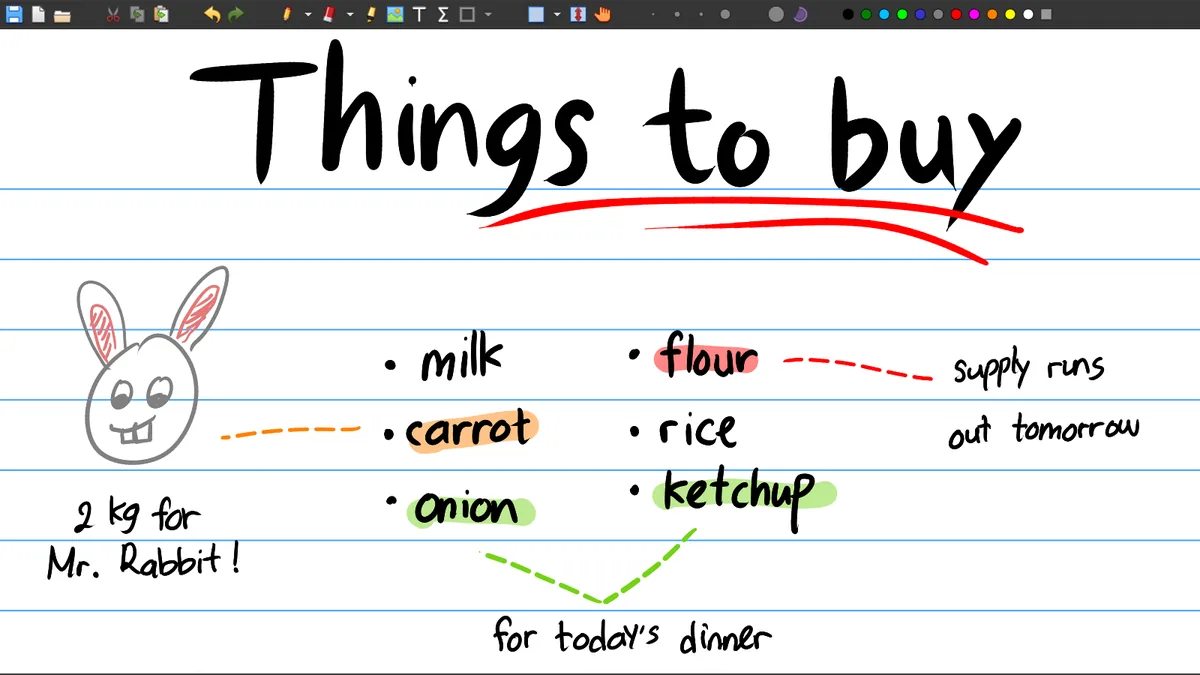
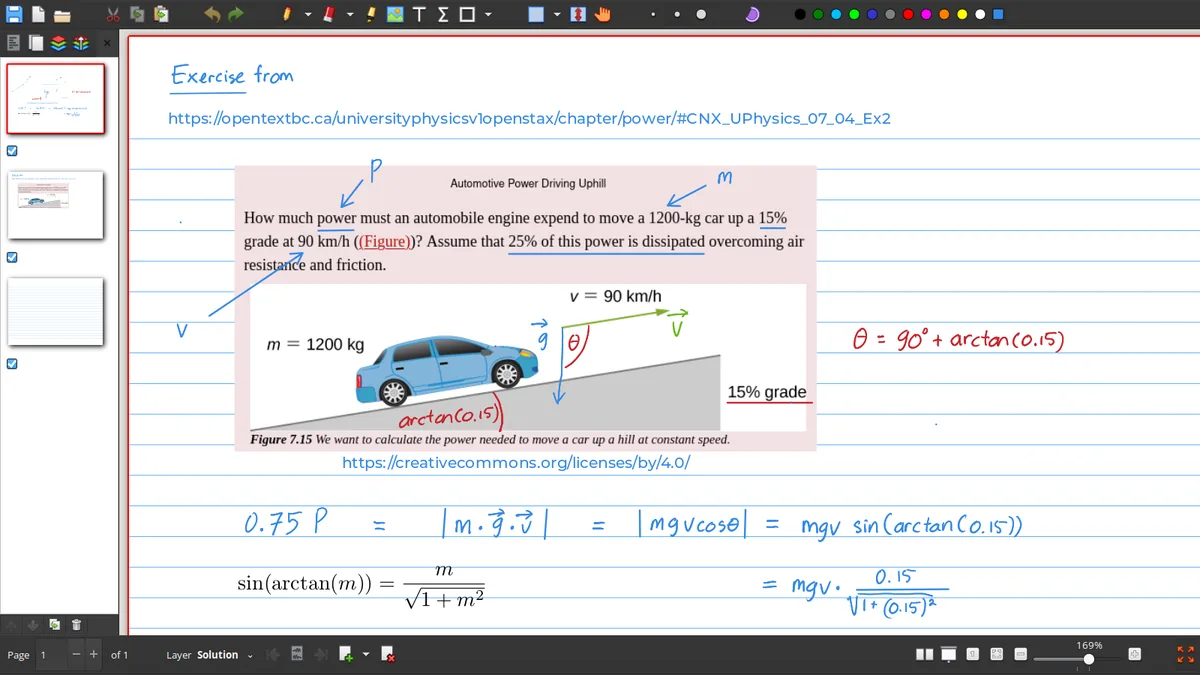
Xournal++ is a strong fit when the central object is a page: a lecture PDF, worksheet, scanned form, handwritten study notebook or technical diagram. It combines pen and highlighter tools, layers, page previews, shapes, images, LaTeX and PDF export in a desktop application. The native .xopp journal also keeps the work editable instead of turning every mark into a flat image immediately.
It is less suitable when you need a browser-first collaborative canvas, a cloud knowledge base with deep database features or a document editor built around typed paragraphs. Those needs do not make Xournal++ bad; they simply point toward a different category. Decide whether you need a notebook page, a PDF reader, an infinite canvas or a synchronized workspace before installing anything.
Decision matrix
Xournal++ versus common alternatives
| App or category | Good match for | Trade-off compared with Xournal++ |
|---|---|---|
| Xournal++ | Handwritten notes, layers and PDF annotation | Desktop-first; file paths and input setup matter |
| Microsoft OneNote | Cloud notebooks, typed notes and ecosystem integration | Different file model and less focused on open .xopp workflows |
| Okular | Reading and annotating PDFs in a KDE/Linux workflow | More PDF-reader-oriented than a handwriting notebook |
| Excalidraw | Fast diagrams and an infinite-canvas feel | Not a native page-based PDF notebook |
| Goodnotes or similar tablet apps | Touch-first handwritten notebooks | Platform and export choices vary; desktop openness differs |
| Obsidian | Linked Markdown knowledge bases | Not a handwriting/PDF annotation replacement by default |
Choose in four questions
Find the right Xournal++ alternative
Do you annotate PDFs?
If PDF pages and handwriting are the center of the work, keep Xournal++ or compare it with a dedicated PDF annotation app.
Do you need an infinite canvas?
For freeform diagrams and spatial brainstorming, Excalidraw-style tools may feel more natural than fixed pages.
Do you need cloud collaboration?
A synchronized workspace such as OneNote may fit better when shared notebooks and account-based access matter most.
Do you need linked text notes?
Obsidian-like tools are better for Markdown links and knowledge graphs, while Xournal++ can remain the handwriting companion.
A practical hybrid setup
Can Xournal++ work with Obsidian or another knowledge base?
Yes, but the relationship is usually file-based rather than a built-in two-way integration. Use Xournal++ for handwritten PDF notes, diagrams or formula-heavy pages, then export a PDF for a knowledge-base attachment. Keep the .xopp journal beside it when you need to revise the handwriting later, and link to the exported PDF from your Markdown vault.
This hybrid approach avoids forcing one application to perform every task. A linked-notes app can index typed summaries and references, while Xournal++ preserves the visual page and pen input. Use stable filenames, keep source PDFs with the journal and decide which file is the shareable output before syncing a folder across devices.
Choose by user type
The trade-off changes with your daily work
A student who annotates lecture slides may value fast PDF import, a stable pen and a clean export more than cloud collaboration. A researcher may care about file ownership, reproducible backups and the ability to keep source PDFs beside editable notes. A teacher may prefer layers and a reusable notebook template, while a designer may want an infinite canvas and richer object manipulation. These are different success criteria, so one universal ranking is not useful.
Try one representative task in each candidate application instead of comparing feature checklists in the abstract. Import the same short PDF, write a paragraph, draw a line, move an object, export the result and reopen the source. Then check how the file is stored and whether you can recover the editable work without an account. This small test usually reveals more than a list of marketing features.
File ownership
Compare the way an alternative stores your work
A feature comparison should include the exit path. Ask whether the application can export a readable PDF, whether the editable source remains available without a subscription, how images and handwriting are preserved and whether a shared notebook can be reopened after a device change. Xournal++ uses a local .xopp journal plus PDF workflow, while cloud or Markdown tools use their own storage model. The best alternative is the one whose file model matches the way you need to study, share and recover your work.
Comparison checklist
Choose among Xournal++ alternatives by workflow
Xournal++ alternatives make sense when the main job is not handwriting on fixed pages. Choose Xournal++ when PDF annotation, layers, stylus input and an editable notebook are the center of the work. Choose OneNote when account-based synchronization and shared cloud notebooks matter more. Choose Okular when you mainly need a document viewer with PDF tools, Excalidraw when an infinite canvas is the important interaction and Obsidian when linked Markdown notes or a knowledge graph lead the workflow.
The best Xournal++ alternatives comparison starts with a concrete decision: do you need a page-based writing tool, a PDF reader, an infinite diagram canvas or a linked text archive? Try the smallest realistic task, such as marking three pages, exporting a PDF or connecting two notes, before moving a whole library. A second focused tool may be better than forcing one application to handle every format. This Xournal++ alternatives guide compares use cases and trade-offs instead of declaring one universal winner. Compare alternatives against the same small task before choosing.
When you shortlist Xournal++ alternatives, compare the same three actions in each app: import a PDF, write with a pen and reopen the saved work. This alternatives checklist exposes differences in file ownership, export quality and input support more clearly than a long feature list.
Frequently asked questions
Xournal++ Frequently asked questions
Is Xournal++ better than OneNote?
It depends on the workflow. Xournal++ is a strong open desktop choice for handwriting, layers and PDF annotation; OneNote may be better for cloud notebooks, typed notes and ecosystem integration.
Can Okular replace Xournal++?
Okular can be a good PDF reader and annotator, especially in a KDE/Linux workflow. Xournal++ is more focused on an editable handwriting notebook with pages and layers.
Is Xournal++ like Excalidraw?
Both can draw and annotate, but Xournal++ is page-based and PDF-oriented while Excalidraw emphasizes an infinite-canvas diagram workflow.
Can I use Xournal++ with Obsidian?
A practical setup is to export Xournal++ notes as PDF, store the PDF and .xopp file in a vault folder and link to them from Markdown notes.